The apfel tree.
A growing family of native macOS tools built on apfel - and sister projects bringing other Apple frameworks to the terminal.
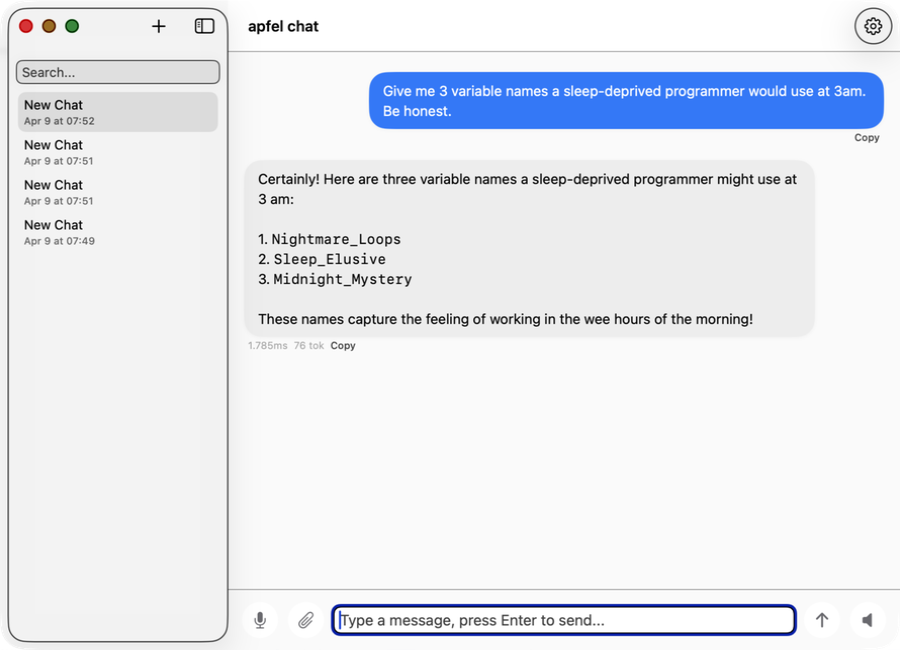
apfel-chat
Multi-conversation macOS chat client. Streaming markdown, speech in/out, image analysis - fully private, no API keys, no cloud.
SwiftUI Production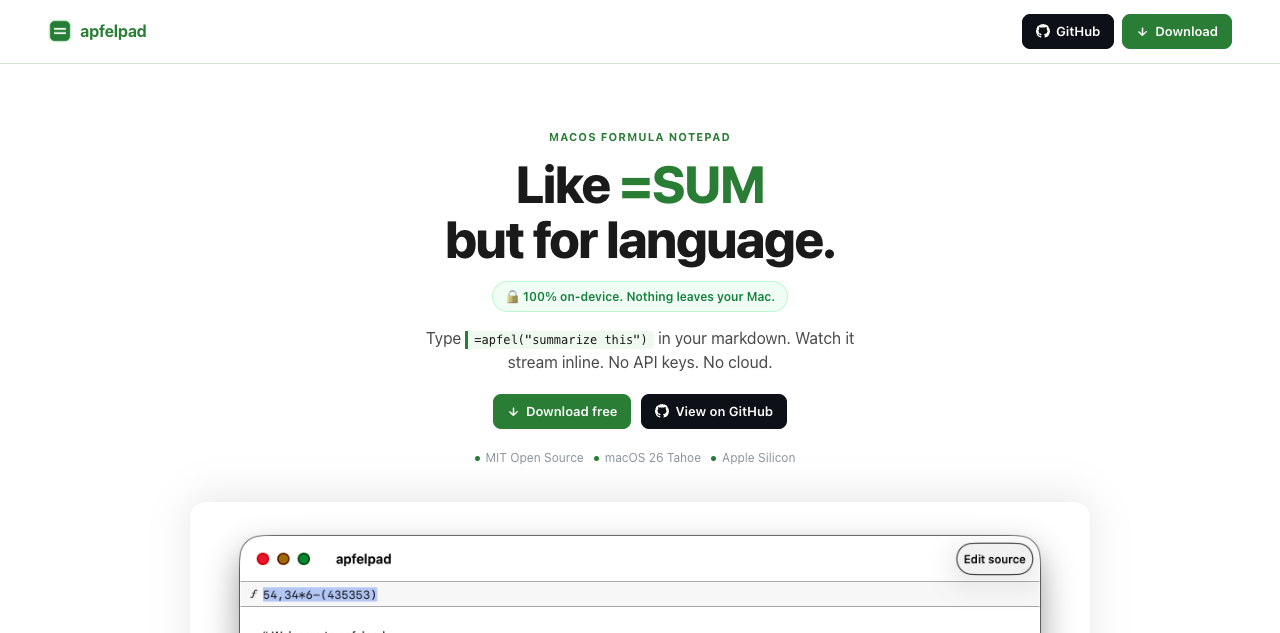
apfelpad
A formula notepad for thinking. Type =apfel("summarize this") in your markdown and watch it stream inline. Like =SUM but for language.
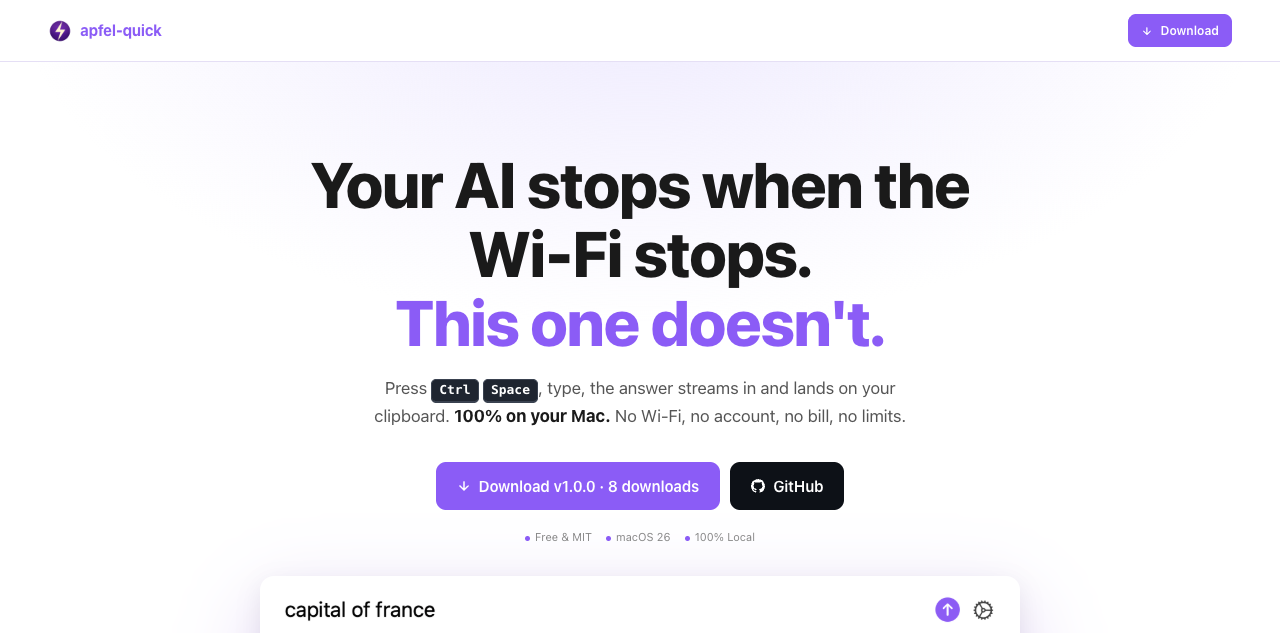
apfel-quick
Instant AI overlay. Press Ctrl+Space anywhere, type a question, and the answer streams to your clipboard. No Wi-Fi, no account, no bill.
SwiftUI New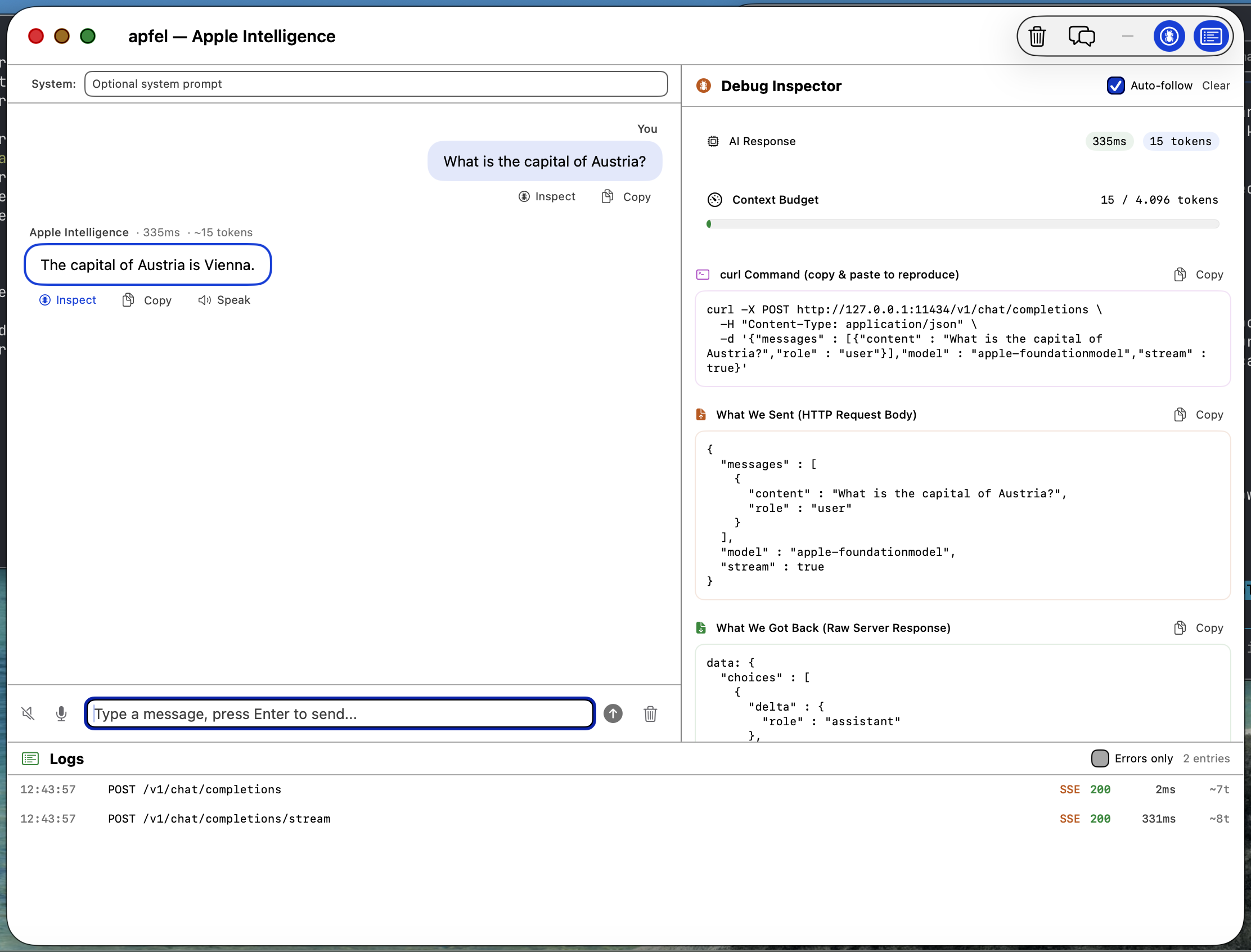
apfel-gui
Native macOS SwiftUI debug GUI. Chat with Apple Intelligence, inspect requests and responses, logs, speech-to-text, text-to-speech - all on-device.
SwiftUI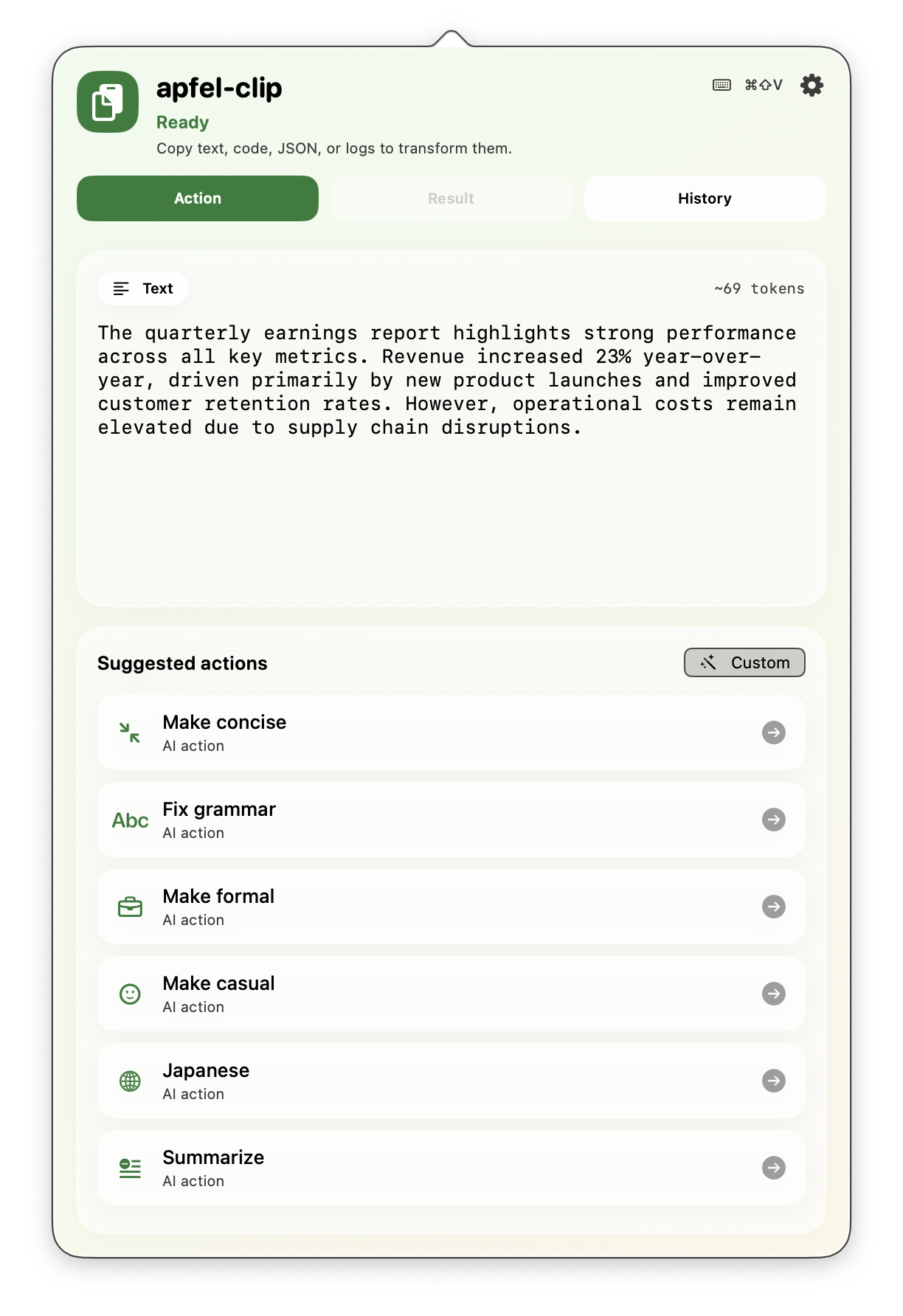
apfel-clip
AI clipboard actions from the menu bar. Hit cmd+shift+V on any text - fix grammar, translate, explain code, summarize. Fully on-device, no API keys.
SwiftUI Production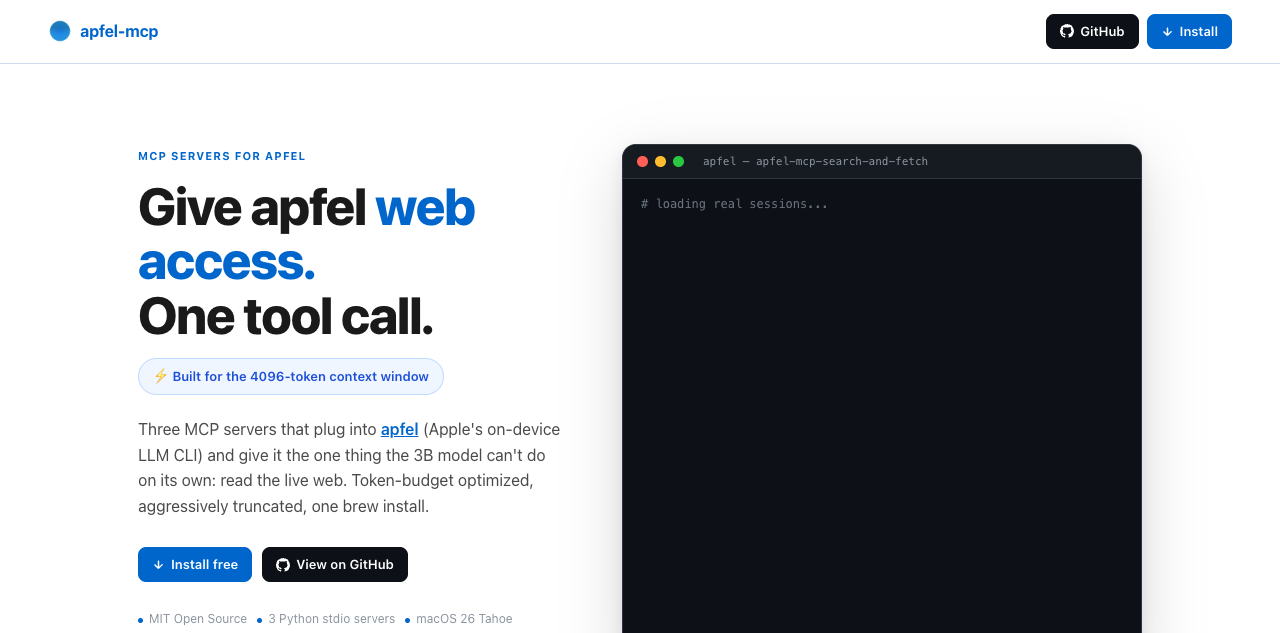
apfel-mcp
Give apfel the web and your files. Four small MCP tools - url-fetch, ddg-search, search-and-fetch, and a read-only file reader - each trimmed to fit apfel's 4096-token context window.
Python New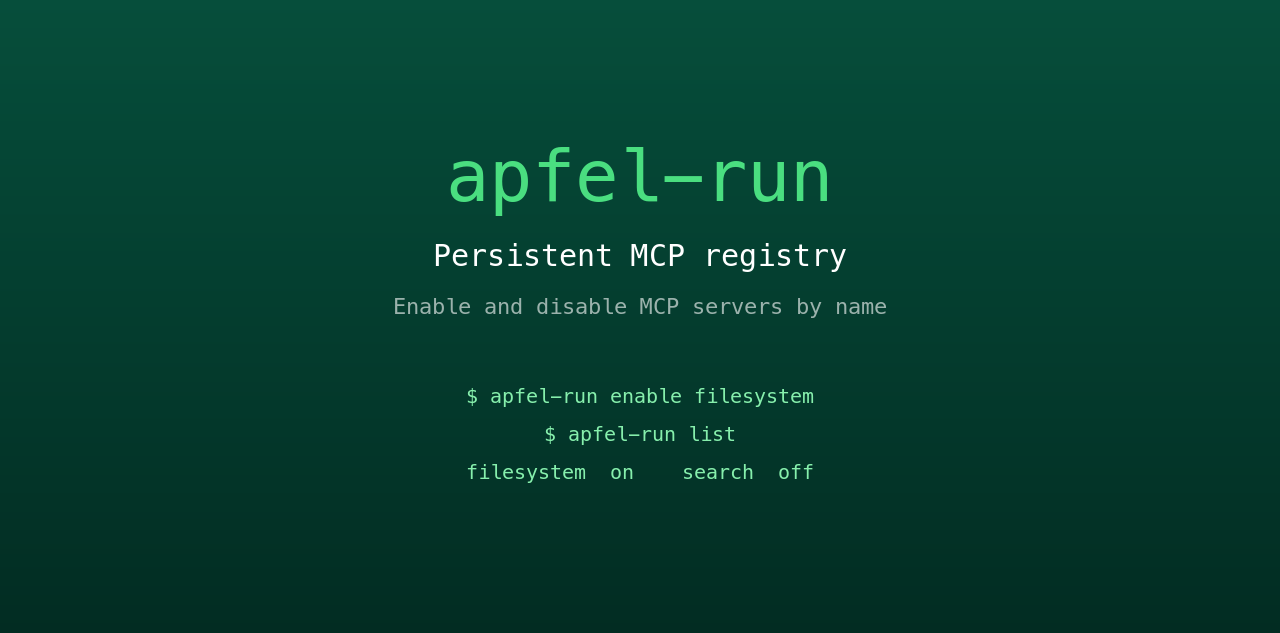
apfel-run
Tiny UNIX wrapper that gives apfel a persistent MCP registry. Enable and disable MCP servers by name from a plain text config file. Survives restarts, no GUI, no daemon.
Shell New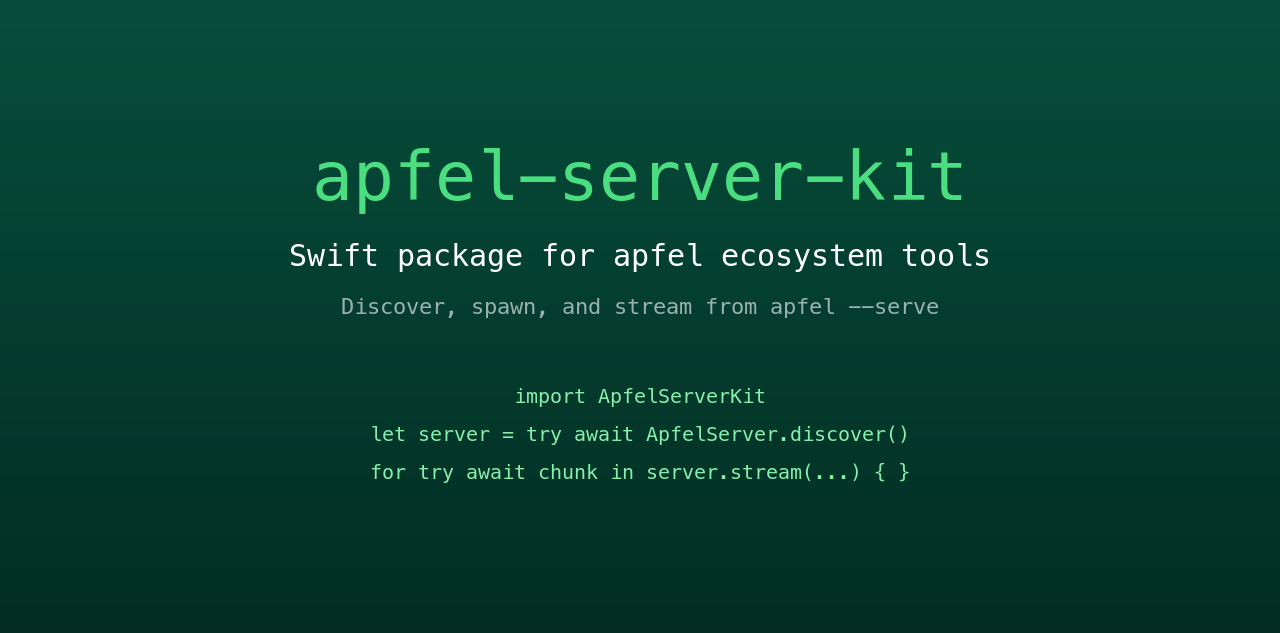
apfel-server-kit
Shared Swift package powering the ecosystem. Discover, spawn, and stream from a local apfel --serve process. The spine that every SwiftUI apfel app talks to.
Swift New
auge
Sister project. apfel does language; auge does vision. One CLI for OCR, image classification, barcodes, and face detection - 100% on-device via Apple's Vision framework. No API keys, no cloud.
Swift Sister project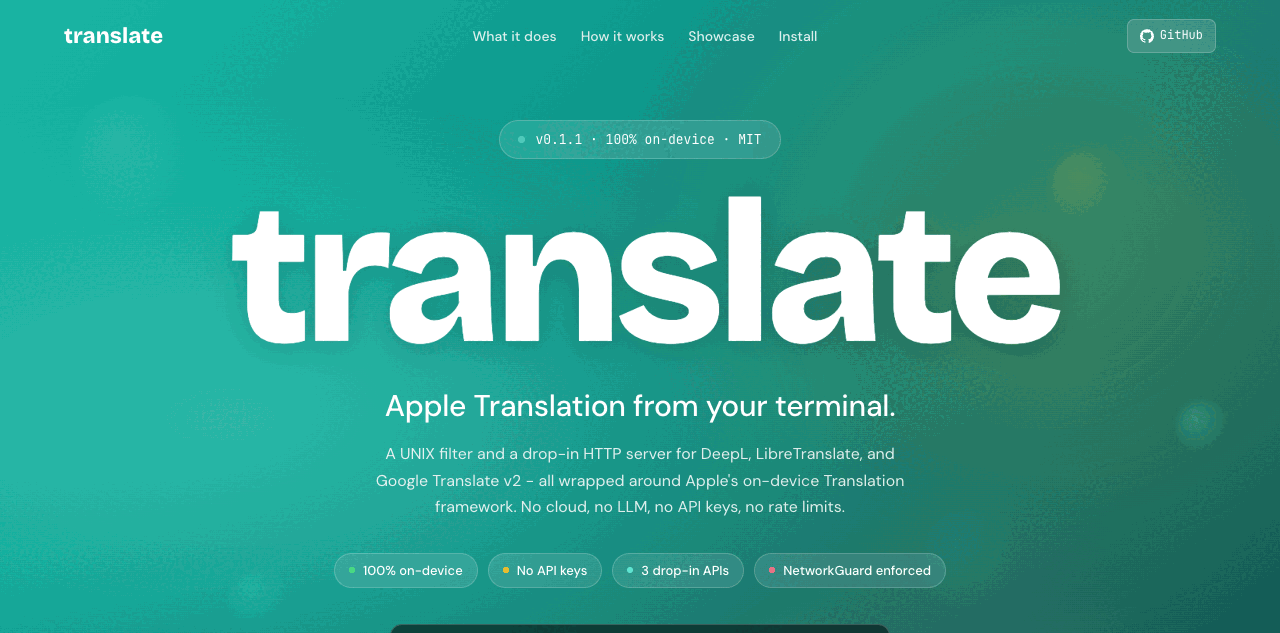
translate
Sister project. UNIX filter plus drop-in HTTP server for DeepL, LibreTranslate, and Google v2 - powered by Apple's on-device Translation framework. 100% on-device, hard-enforced by NetworkGuard. No API keys, no cloud.
Swift Sister project